Mesmerizing Timelapse Art from Your Photos
Bring the creative "slice scan" photography technique to your desktop with TimeSlice. Weave image sequences into stunning timelapse videos.
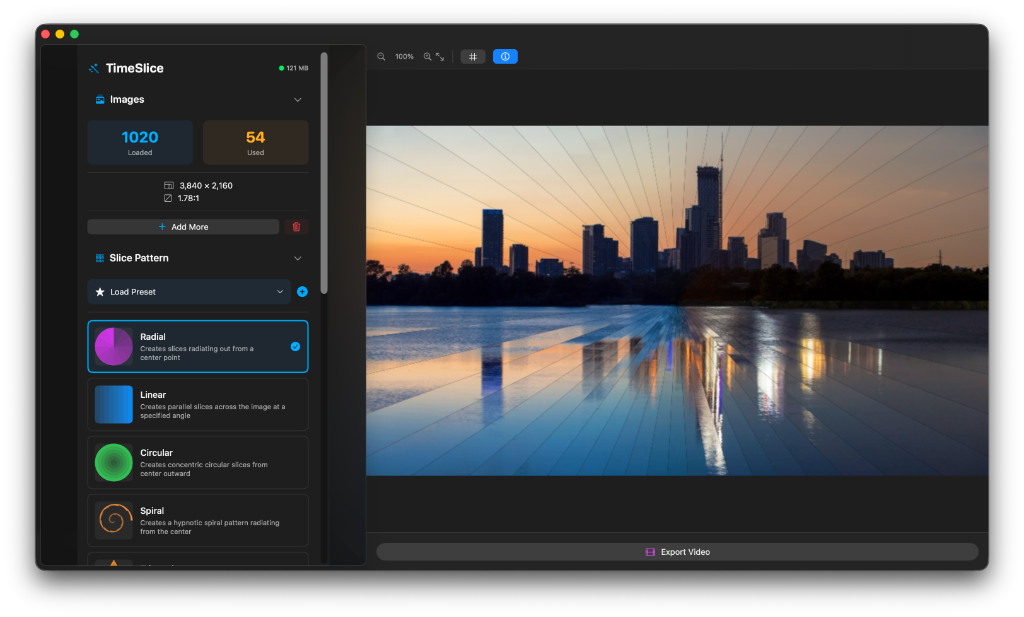
Pro-Grade Features
Everything you need to create professional timelapse art.
Multiple Slice Patterns
Choose from Radial, Linear, Circular, Spiral, Diagonal, and more to create unique visual effects.
High-Quality 4K Export
Export your compositions in resolutions up to 4K at frame rates from 15 to 120 FPS.
Real-Time Preview
See your changes instantly with hardware-accelerated preview rendering.
Fine-Tuned Control
Adjust slice width, rotation speed, direction, and animation parameters with precision.
Custom Presets
Save your favorite settings as custom presets for quick access to your signature style.
Memory Optimized
Built-in monitoring ensures smooth performance even with large image sequences.
Simple Workflow
From image sequence to finished masterpiece in seconds.
Import
Select your JPEG, PNG, or common image sequences.
Customize
Select a slice pattern and fine-tune animation parameters.
Preview
Watch your creation come alive in real-time.
Export
Render into a high-quality H.264 video file.
Visual Creative Control
Explore different slice patterns to create your signature look.
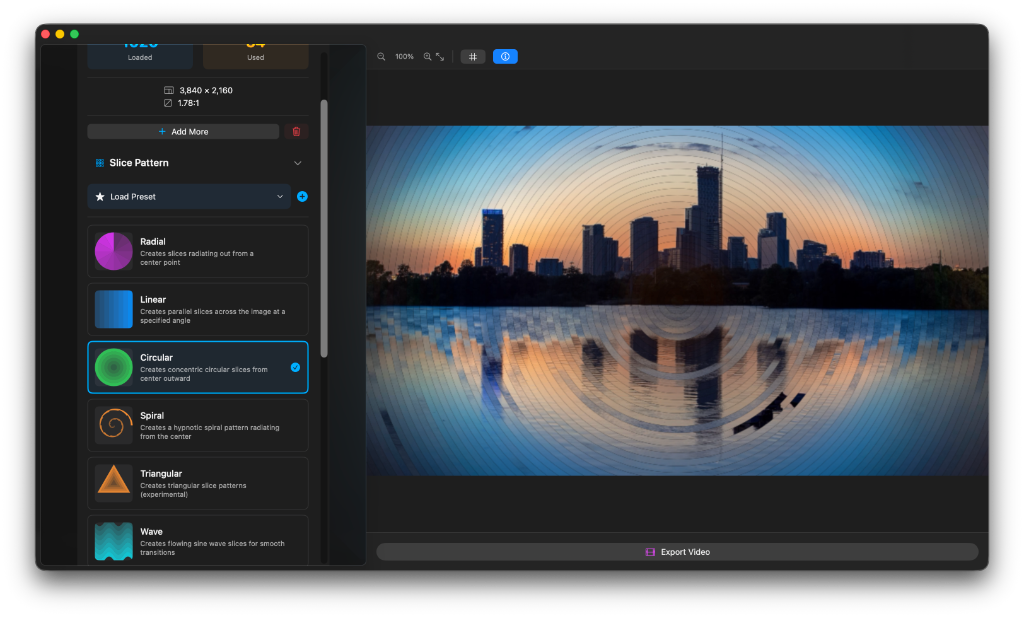
Diverse Patterns
From Spiral to Linear, find the perfect flow for your photos.
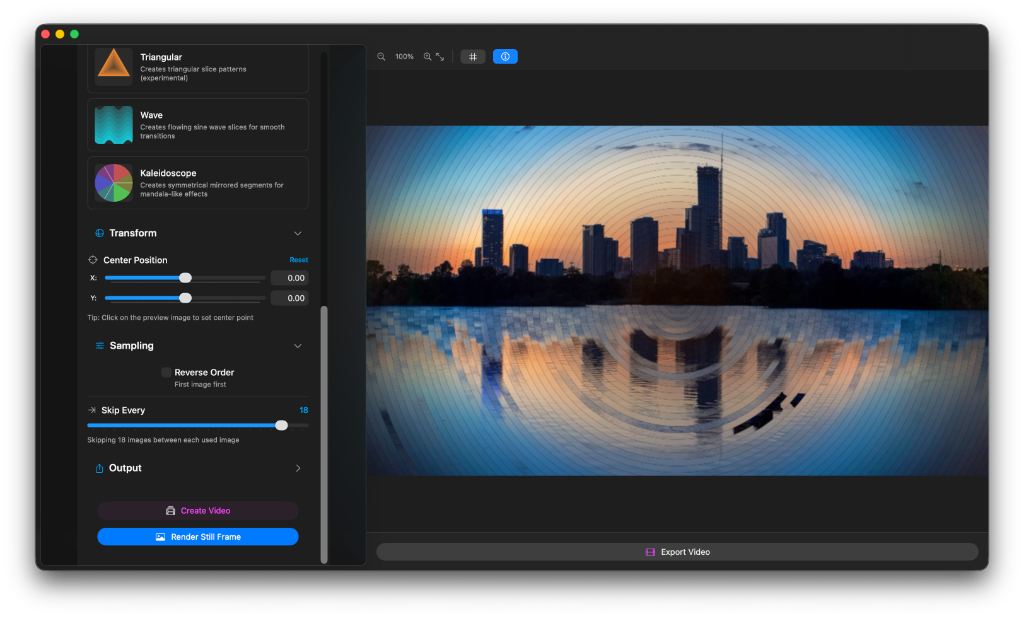
Geometric Art
Create experimental triangular and kaleidoscope patterns.
Watch it in Action
See stunning examples created with TimeSlice Pro.
Need Support?
We're here to help you make the most of TimeSlice. Whether you have a question, a feature request, or need help with a bug, feel free to reach out.
Common Questions
What image formats are supported?
TimeSlice supports standard formats including JPEG, PNG, TIFF, and HEIC sequences.
Can I export for social media?
Yes! With support for custom frame rates and up to 4K resolution, your exports are perfect for Instagram, TikTok, and YouTube.
Is there a limit to the number of images I can import?
TimeSlice is optimized for memory usage, allowing you to work with sequences of hundreds or even thousands of images depending on your Mac's RAM.